
The 4 Strategies to Empower Your Institution with Eden Portal
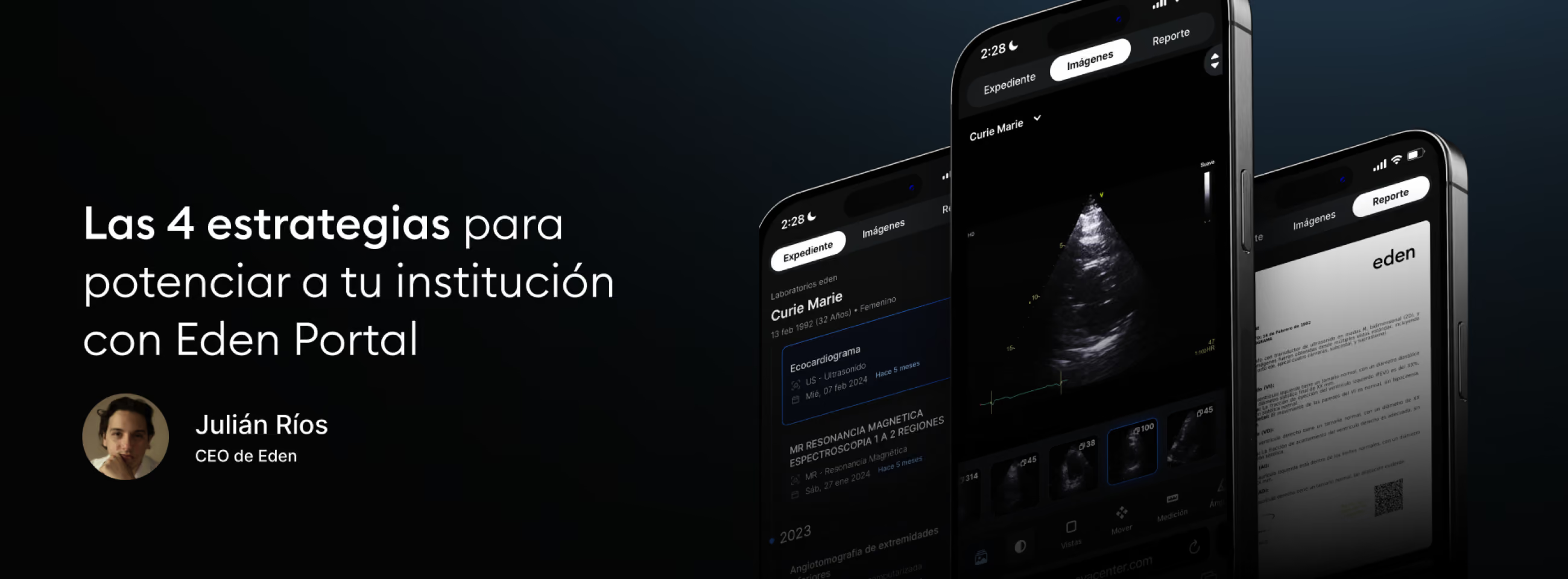
Today, Eden Portal is raising the standards of our industry in patient and physician relations. With the first 100% mobile DICOM viewer, a complete clinical history at the touch of a finger, and an intuitive interface, this portal transforms the patient experience and places your medical institution at the center of the healthcare universe.
However, every medical technology comes with certain adoption challenges. It is not as simple as pressing a button and saying "now I have Eden Portal": it requires operational changes, system adjustments and, above all, an institutional commitment to implementing new technological tools.
That is why, today, we will share 4 key tips to help your institution maximize the potential of Eden Portal and turn it into the backbone of its growth strategy.
1. Ensure complete traceability of patient information
A key factor in maximizing the use of Eden Portal is ensuring that all patient information, including the unique identifier and full name, is standardized across all systems. This is easily achieved with Eden Management, the advanced cloud-based RIS available to all Eden clients.
Eden Management automatically integrates patient information, from order generation through modality, preventing errors and ensuring that patients can view their complete history in the portal. However, we know that some institutions have specific points of sale or use an ERP, a hospital system, or a laboratory system. If that is your case, remember that our integrations team can help you achieve traceability and interoperability between your system and Eden.
2. Record contact information from the start
An important recommendation is to ensure that the patient's phone number and email are included in the system, whether Eden Management or an integrated system, from the moment the order is created. This facilitates the dynamics of sending results through Eden Portal and reduces the possibility of errors. In Eden Management, this functionality is also available for the referring physician's information, allowing them to see only the studies assigned to them.
3. Verify information in Eden PACS before registering the patient
Before registering a new study, check in Eden Management whether the patient already has previous studies. If your institution does not have Eden Management, radiology technologists can search for the patient's name in Eden PACS, check whether previous studies exist and, if so, make sure that the patient's name and identifier match the earlier records. This will ensure proper traceability and allow the patient to access their Eden Portal with their complete historical information.
4. Manually correct in Eden PACS if necessary
If the above methods fail and a patient has already received their portal without seeing their previous studies, you can change it manually in Eden PACS. From the study list, in the "Edit Information" function, you can adjust the patient's identifier and name to link it with earlier records and ensure that Eden Portal contains a complete record.
Finally, remember that at Eden, our mission is to serve your institution. Our support team is available 24/7 through the specialized Eden PACS chat, with response times of 3 minutes or less.
Adopting Eden Portal is not just a technological update: it is a strategic transformation that places your institution at the center of your patients' universe. With these tips, you ensure that this tool does not go unused in your arsenal, but instead serves as a key piece for revolutionizing the healthcare experience, raising your loyalty and referral rates to unprecedented levels.